The workbook is dead. Long live the workbook!

The Pockit Course is an ingenious DIY publishing tool for making tactile workbooks in our last-minute, chronically-distracted classrooms.

Make a Pockit Course now! No sign in required.
Getting Started
1 of 2
PKT-101
Pockit Course Basics
Ian Allan
Senior Lecturer, EIT
Name / Contact

Why the Pockit Course?

Tactile workbook-based learning is still the best. But we gave up on workbooks because they were too hard to maintain compared to throwing stuff online. Well, not anymore!
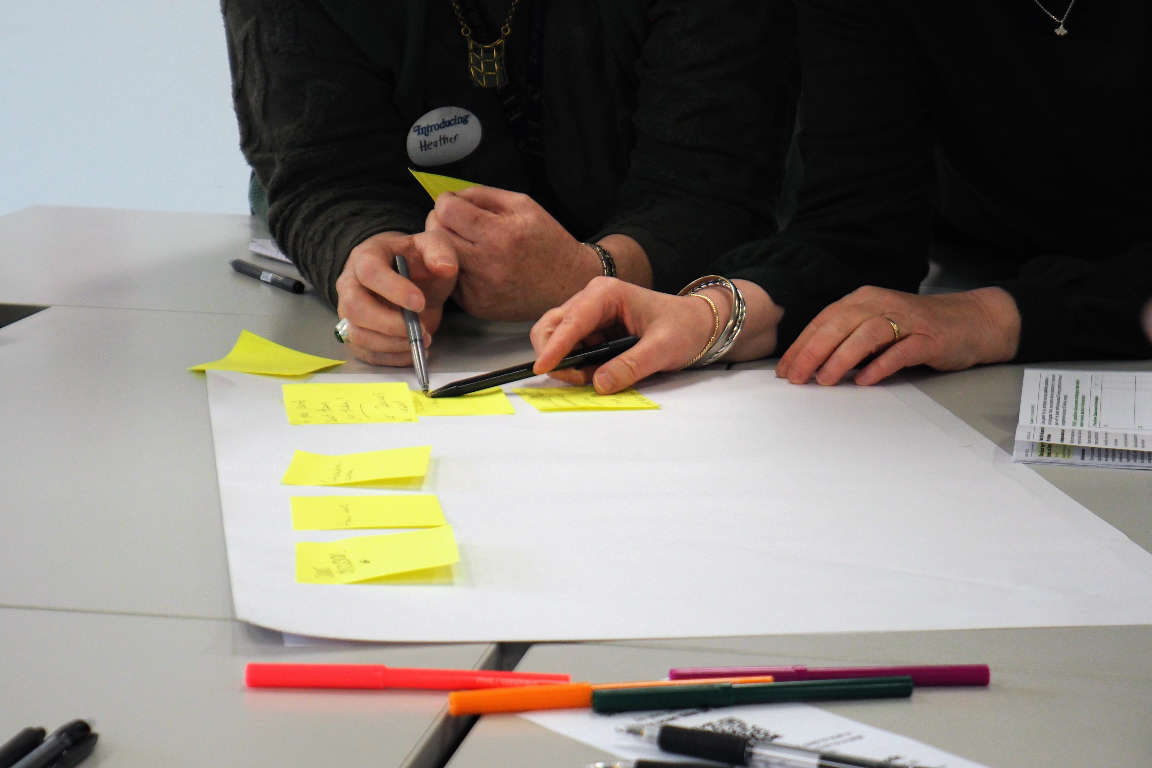
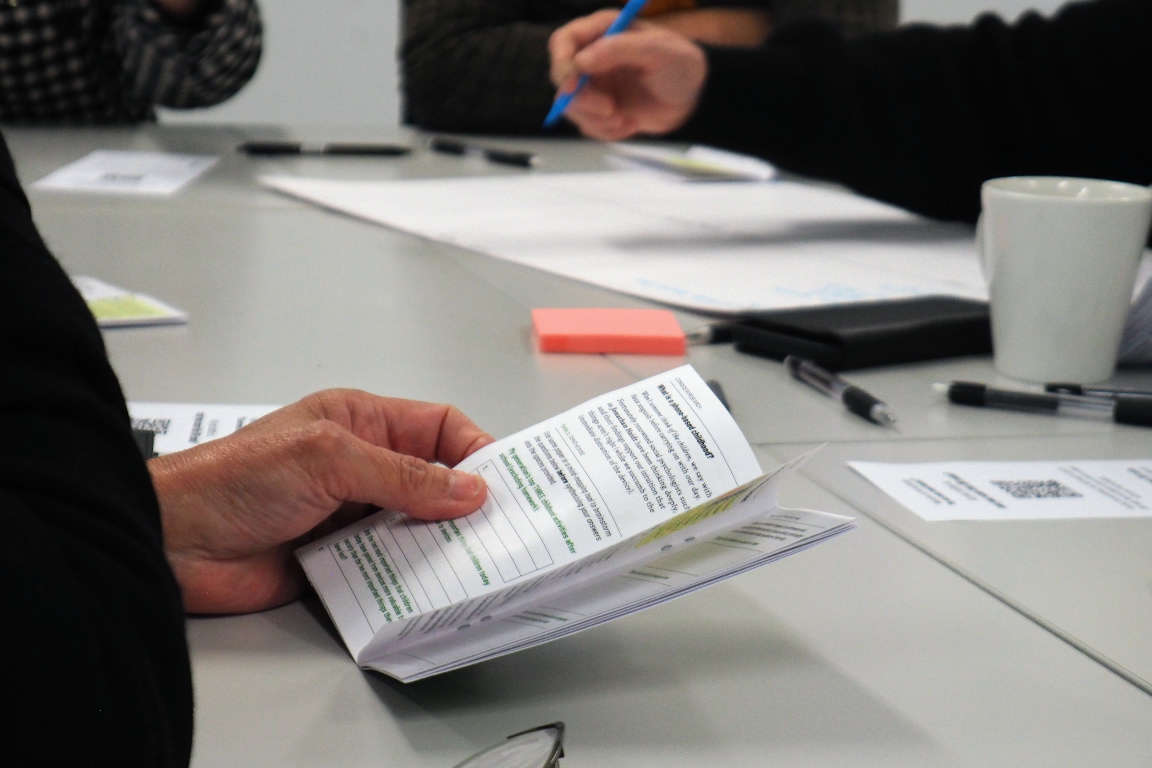
Two people writing notes on sticky notes laid out on a large sheet of paper. A hand holding a folded printed booklet on a table, with a QR-coded card nearby.

An earlier iteration of the Pockit Book that started it all — proved the value of the concept, and proved they were too much effort for a typical teacher to produce.

Bring an end to death-by-PowerPoint

They're not fun to create and they're not fun to receive. Break out of the mindset, while still thinking in learning blocks.

Publish as you go, not before you begin

The old full-course workbooks were dread-inducing to create and maintain. We prefer to create and adapt as we go now.

Blend the physical and the digital

QR codes connect the worlds, but it's more than that. Your beautiful workbook publisher should also be your online publisher.

What is a Pockit Course?

1. Create lesson cards

A Pockit Course is made up of sets of lesson cards, rapidly built using a just-right collection of learning blocks.

A lesson can be just a few cards, but you can make as many as you like.

2. Print, cut, learn and treasure

Print your lesson cards, and at the start of your class your students mindfully cut them out and slot them into their Pockit Course folder.

Oh, and they're smartphone-sized, because of course they are.

A lesson is a set of cards

Every lesson is a numbered sequence of cards that guide the lesson, like a real workbook.

Print-accurate builder

The course builder is the print output, aligned to a sensible grid so you can focus on learning blocks.

Sized to fit a pocket

Course lesson cards are smartphone-sized; big enough to read, small enough to carry.

Learning block builder

Add blocks of text, tasks, links, images, reflections, key ideas, matrix and list activities, and more.

A cover worth keeping

Design a beautiful front cover folder for the course cards. One worth sending to the printers.

Still link in the web

Paste in a link and a QR code is generated for you, as well as a simple typeable URL.

It can live online too

The Pockit Course Viewer can make your courses available to your students online.

Simple lesson planner

Slide across a scratchpad with your weekly timetable on it to map out the week's learning.

Take control of your data

Save lessons in this browser, as markdown files on your computer, or the cloud for sharing.

That's enough explaining, just get stuck in...

Make a Pockit Course now! No sign in required.